Computer Slowdown: Software vs. Hardware
Have you ever been using a computer that just feels…slow? Like it's moving through peanut butter? There are lots of reasons why this might happen, but two common causes are outdated software and old hardware. But which one is more likely to be the culprit? Let's investigate!
What is Software?
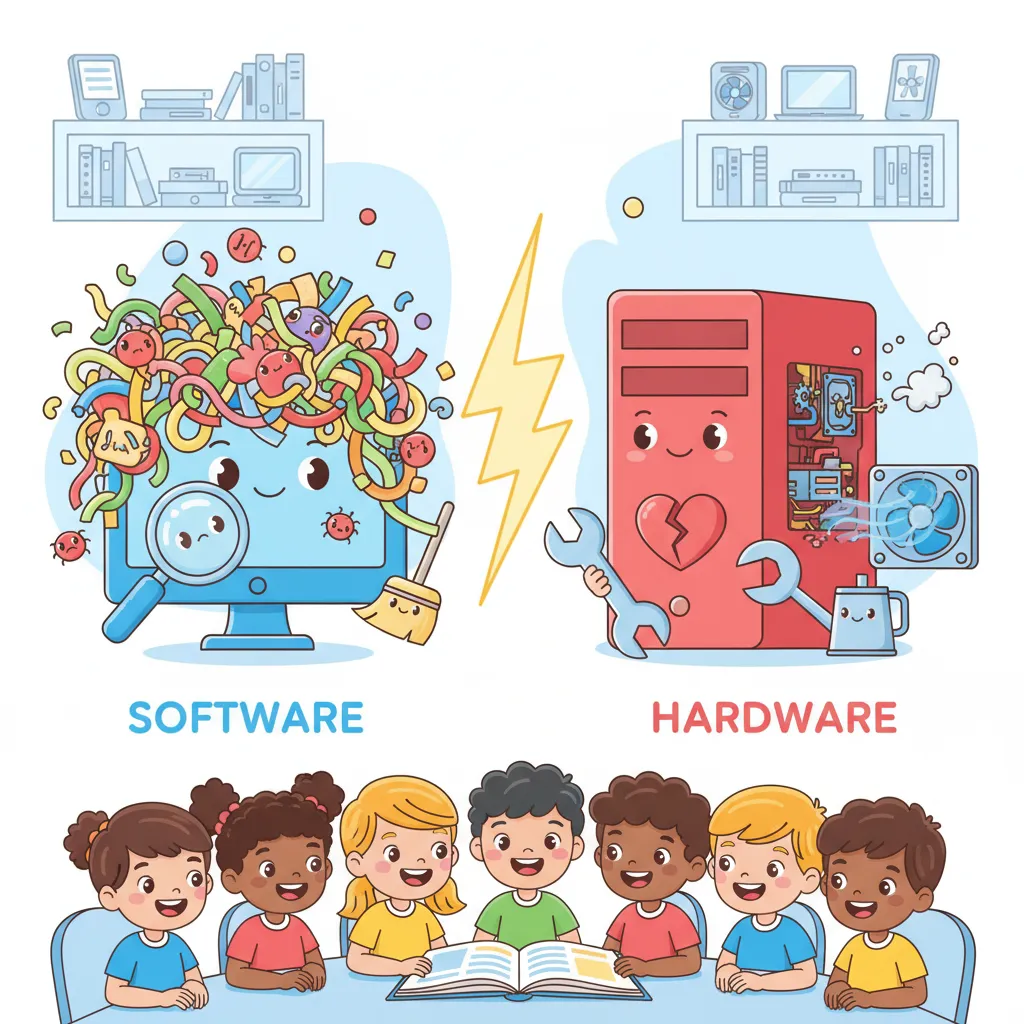
Software is like the brain of your computer. It's the set of instructions that tells the computer what to do. This includes everything from the operating system (like Windows or macOS) to the apps and games you use every day. Software updates are important because they often fix bugs, improve security, and add new features.
What is Hardware?
Hardware is the physical stuff that makes up your computer. This includes the processor (CPU), the memory (RAM), the hard drive (or solid-state drive), and the graphics card. Over time, hardware can become outdated or even start to wear out. Imagine your computer's hardware like a car: parts eventually need replacing!
The Case for Outdated Software
One strong argument is that outdated software is more likely to cause slowdowns, especially short term. Think about it: if you don't update your operating system or apps, they might not be compatible with newer websites or files. This can lead to crashes, errors, and sluggish performance. Outdated software can also be a security risk, leaving your computer vulnerable to viruses and malware, which definitely slow things down!
The Case for Old Hardware
On the other hand, old hardware can also be a major cause of computer slowdowns, particularly long term. If your computer's processor is too slow, or if it doesn't have enough memory, it will struggle to run newer software efficiently. A hard drive that's nearly full can also slow things down. While software updates try to optimize things, they can only do so much if the hardware simply isn't up to the task.
The Verdict
So, which is more likely to make a computer slow? It depends! In the short term, outdated software is often the culprit. However, as your computer gets older, the hardware is more likely to become a bottleneck. Keeping your software up-to-date can help, but eventually, you might need to upgrade your hardware to keep your computer running smoothly. Think of it like this: both a well-tuned engine (software) and a strong chassis (hardware) are important for a car to run well!
- Software: Instructions that tell a computer what to do.
- Hardware: The physical parts of a computer.
- Outdated: Old and no longer up-to-date.
- Compatible: Able to work together well.
You Might Also Like


Thank you for reading "Computer Slowdown: Software vs. Hardware." This Upper Elementary argumentative passage is a great resource for improving reading comprehension skills. At PicoBuddy, we specialize in providing free educational materials for parents, teachers, and students.
Practice and Assessment:
- Interactive Quiz: Test your understanding of this passage with our free online quiz. Get immediate feedback to track your learning progress.
- Printable Worksheet: For offline practice, you can download a free PDF worksheet which includes the full passage, a glossary, and comprehension questions with an answer key.
Our library is filled with free reading passages on topics like Computer Maintenance and many others. Whether you're looking for reading practice, classroom resources, or homeschool materials, PicoBuddy has you covered.